




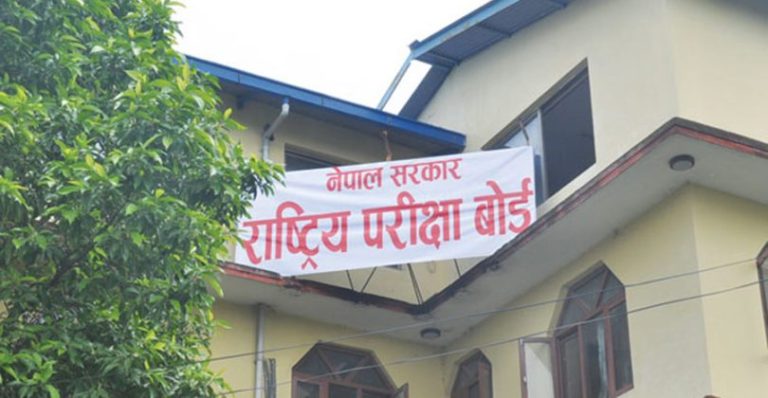
KATHMANDU: The National Education Board (NEB) on Monday published the results of the Secondary Education Examination (SEE) for 2076 BS.
A meeting of NEB held this afternoon had decided to publish the results this evening.
According to one of the board members of NEB, the Office of the Controller of Examinations had completed all the formalities related to the result publication of SEE and had submitted it to the Chairperson of the NEB.
How to check results?
You can check your result by sending your symbol number to:
31003
31007
34949
35001
1600
1600 (Examinees can dial 1600 to check their results)
Similarly, you can also check your result on these websites:
www.moest.gov.np
www.doe.gov.np
www.see.gov.np
www.neb.gov.np
www.see.ntc.net.np





Comment